

Less scheduling.
More meaningful
meetings.
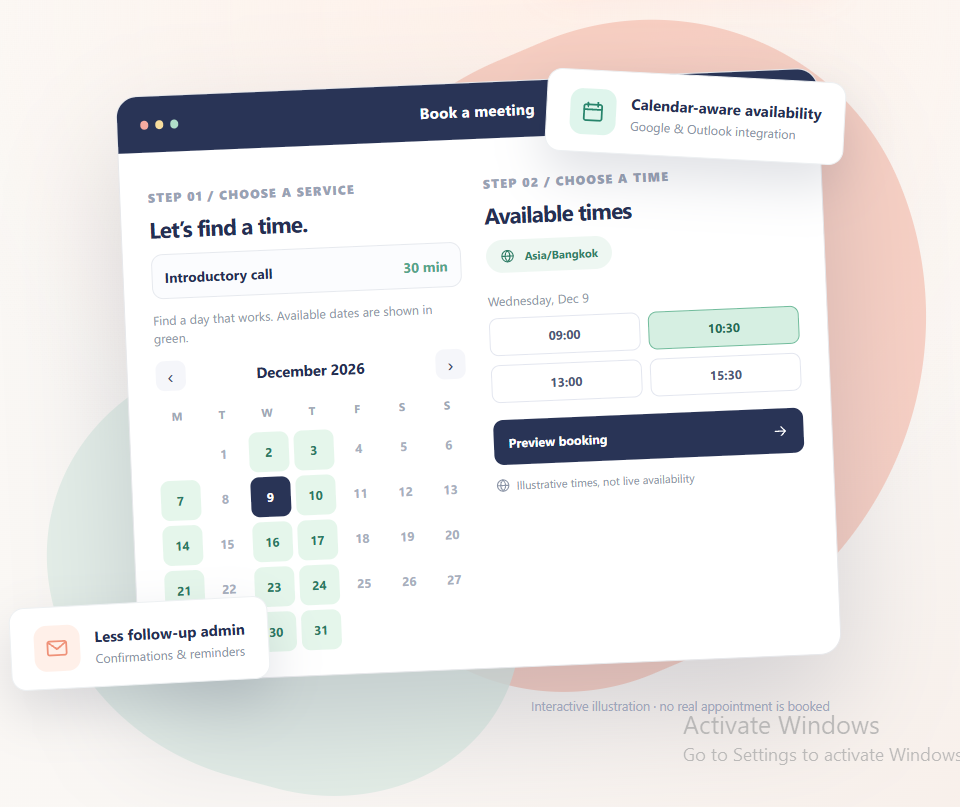
Give clients an easy way to book. Give your team control over availability. Keep calendars, confirmations, and online meeting links working together, right on your WordPress site.
Made to work with your WordPress stack
Booking should be the easy part.
Not more spreadsheets. Not another chain of emails. A practical booking system designed around services, people, and the way your team actually works.
Simple online booking
Let visitors choose a service, find available dates, and select a time from a clean booking form. Publish it anywhere with a shortcode.
Provider & service flexibility
Connect different team members to different services. Offer named-provider bookings or let customers request a service for later provider assignment.
Timezones handled properly
Availability belongs to the provider’s timezone while booking times are shown in the customer’s selected timezone. Less confusion across borders.
Calendar-aware availability
Check selected Google or Outlook calendars for busy time and add confirmed bookings to a chosen calendar, when the integration is configured.
Emails & reminders
Send booking confirmations, cancellation notifications, and configurable reminders to customers and providers, with service-level templates.
Meet online, in WordPress
Pair appointments with WP Meeting Live for an integrated video meeting experience, complete with meeting access and host permissions.
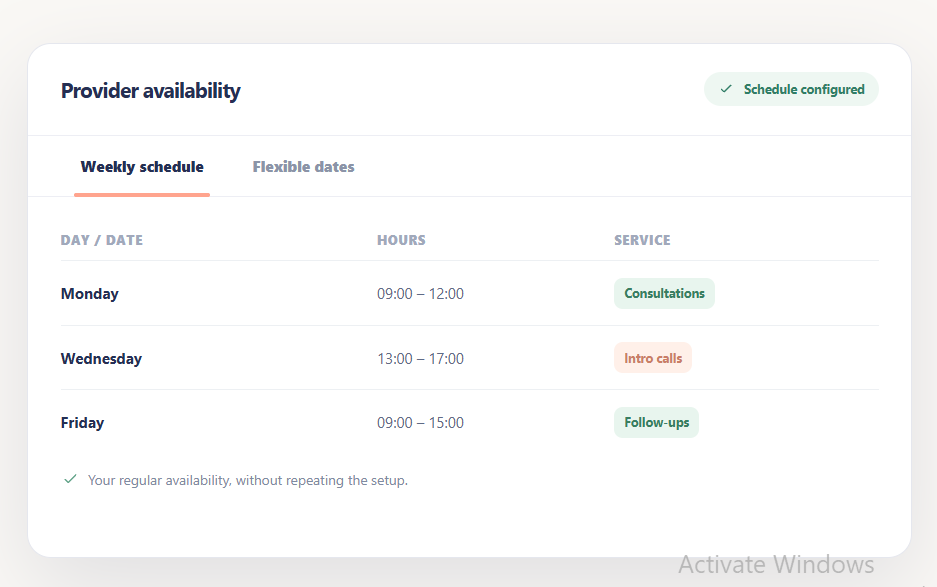
Some teams work 9–5. Others don’t.
Give each provider the availability that fits them. Use a regular weekly schedule, or open individual days for volunteers and flexible teams.
From first setup to first booking.
Everything begins inside WordPress, with familiar settings and simple shortcodes.
Create your services
Define meeting types, durations, how far ahead customers can book, and the emails they receive.
Set up your team
Assign services to providers, choose their timezone, configure weekly or flexible dates, and connect calendars if needed.
Publish your booking page
Add the booking shortcode to any page and let visitors choose from your available dates and times.
Fits into your workflow.
Not the other way around.
Bookings, calendars, contacts, and video meetings can work together without asking your visitors to learn a completely new system.
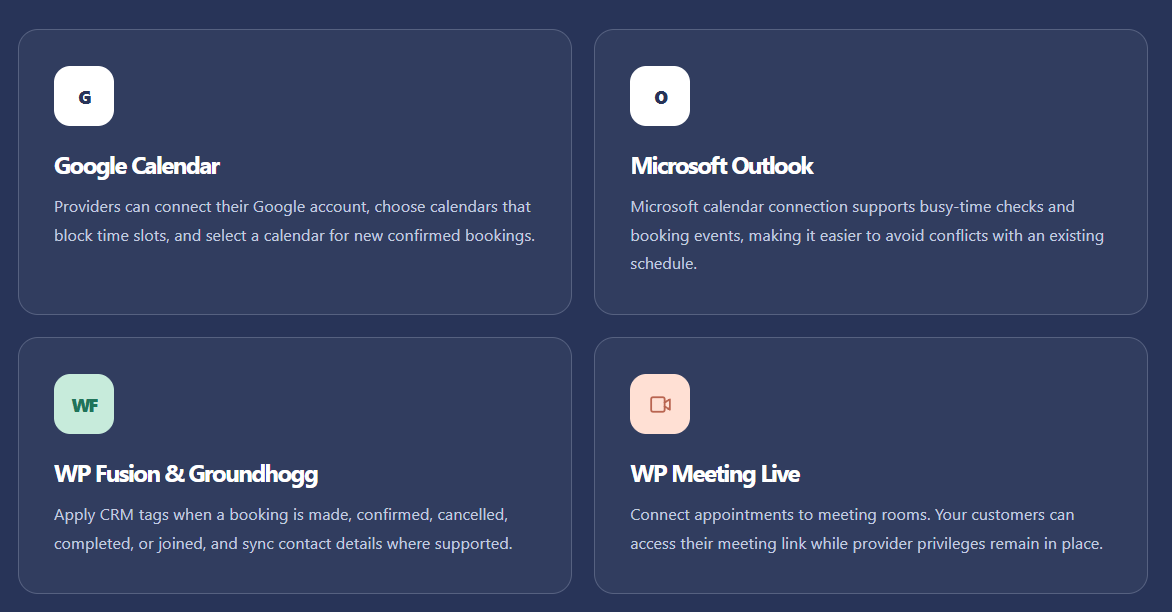
Google Calendar
Providers can connect their Google account, choose calendars that block time slots, and select a calendar for new confirmed bookings.
Microsoft Outlook
Microsoft calendar connection supports busy-time checks and booking events, making it easier to avoid conflicts with an existing schedule.
WP Fusion & Groundhogg
Apply CRM tags when a booking is made, confirmed, cancelled, completed, or joined, and sync contact details where supported.
WP Meeting Live
Connect appointments to meeting rooms. Your customers can access their meeting link while provider privileges remain in place.
Google and Microsoft calendar connections require their own app credentials and account authorization. WP Fusion, Groundhogg, and WP Meeting Live are separate products that must be installed or configured where applicable.
Everyone knows what’s next.
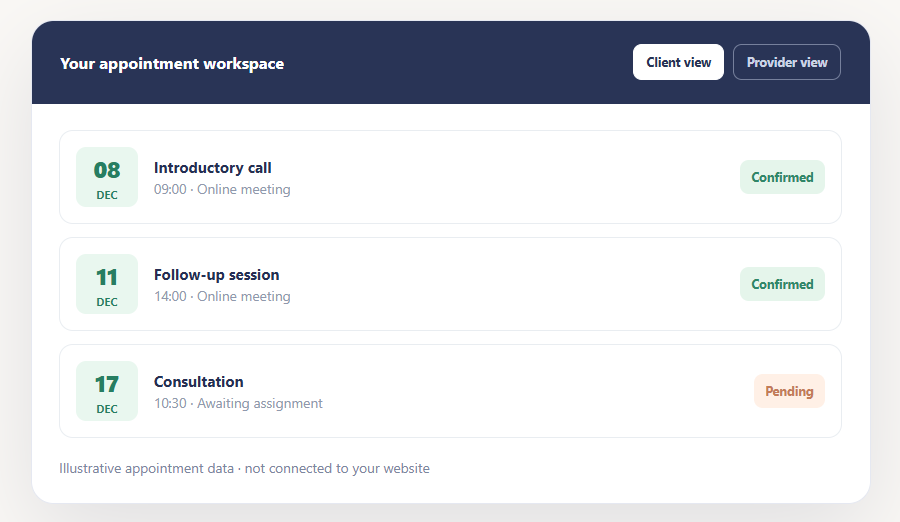
Customers can see upcoming meetings. Providers have their own appointment view. And administrators get the tools to keep everything moving.
Made for appointments with purpose.
From a five-minute check-in to a structured client consultation, the booking flow adapts to the people behind it.
Consulting teams
Give each specialist their own services and availability.
Community support
Let people book one-to-one sessions on your site.
Volunteers
Make irregular availability manageable with specific dates.
Remote meetings
Bring bookings and online meeting access closer together.
Add booking to any page.
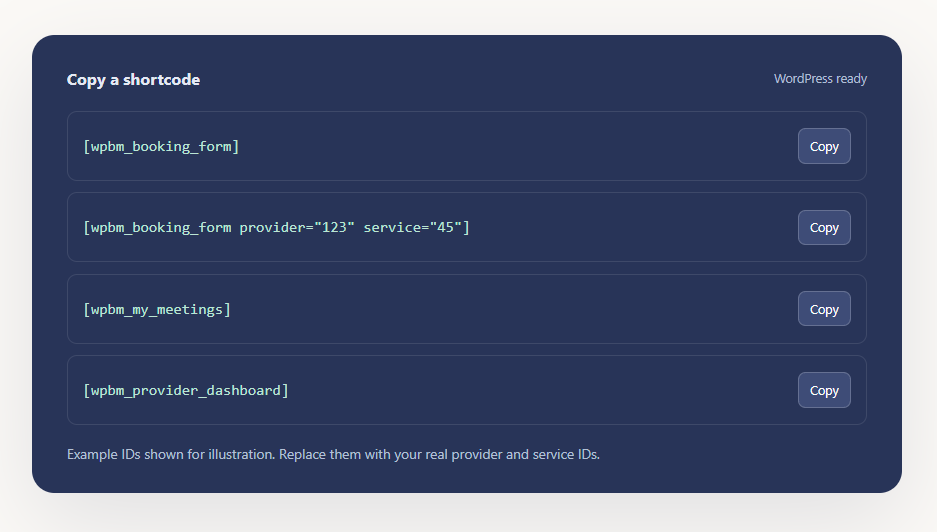
No complex page builder setup. Place the shortcodes where they belong, whether you’re showing a service, a specific provider, or your customer’s appointments.
You can also use optional image=”yes” and description=”yes” attributes to show provider information.
Everything you need to know.
The practical details, without the usual software marketing fog.
Your clients want to meet.
Make it simple.
Replace the email back-and-forth with a clear booking experience that works with your people, calendars, and WordPress site.
Purchase link to be connected before launch · WP Book Meetings v0.10.5