

Your people.
Your process.
One dashboard.
Give your managers one simple place to manage users, track sessions, and update CRM data, without sending them into the WordPress backend.
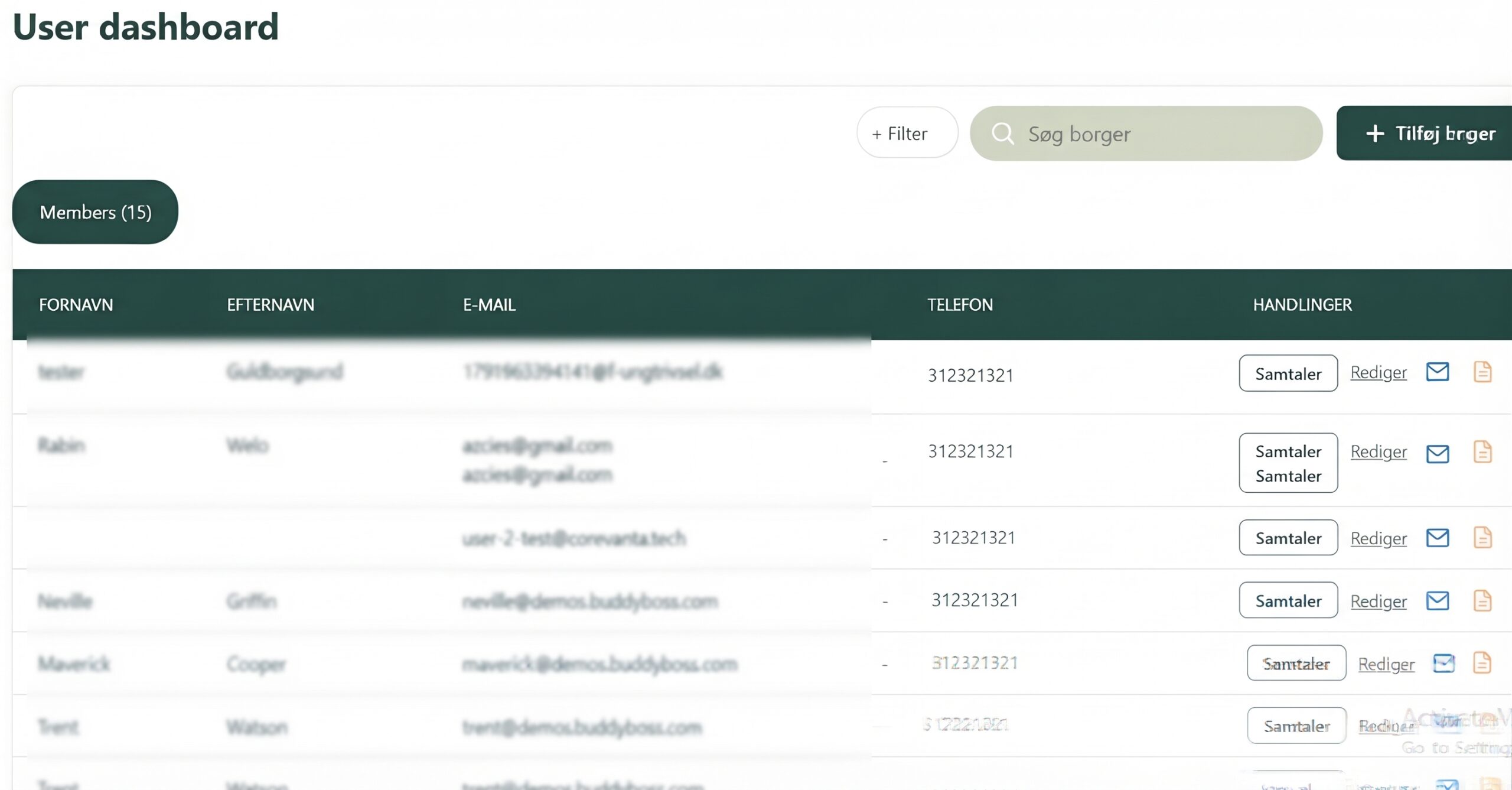
One focused workspace.
Connected to tools you already use.
Managing people shouldn’t mean managing WordPress.
Your coordinators, coaches and team leads need the right information and the right actions, not every setting in your WordPress admin panel.
WP User Dashboard gives them a purpose-built frontend interface while keeping you in control of access, fields and workflows.
Built for organizations working with members, learners, volunteers, clients and other groups of people.
Give managers focused access
Let team members work with the users assigned to them, using ownership and tag-based visibility rules.
Keep CRM data in the workflow
See and update configured user fields and CRM tags through the frontend, powered by WP Fusion.
Track what actually happens
Record session dates, attendance and status so managers can follow progress without scattered spreadsheets.
The tools your team needs.
Nothing they don’t.
Put everyday user management where it belongs: on the front end of your website, in a workspace built around your organization.
Frontend user management
Find, add and edit user profiles through a dedicated portal. Group fields into logical sections and keep the experience straightforward for your team.
Manager-based access
Scope user lists by CRM ownership and tags so managers work with the right people, without broad WordPress admin access.
CRM fields & tags
Display configured CRM fields and assign or remove selected tags using easy grouped controls. WP Fusion handles the connected CRM relationship.
Sessions & attendance
Record session dates, times, notes and attendance statuses. See individual progress and manage structured session programs.
Reminders & automation
Configure email reminders ahead of sessions and apply end-of-program tags according to your rules, with external cron support.
Data exports & APIs
Export session records in CSV or JSON and connect other systems using authenticated API endpoints with configurable field exclusions.
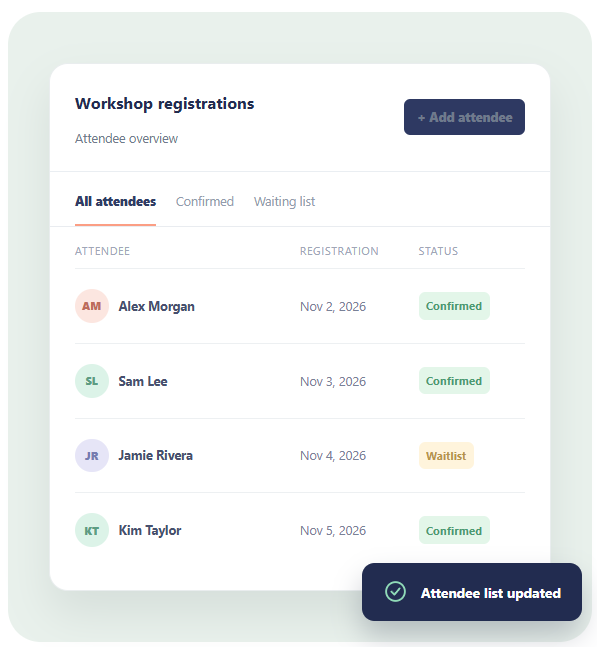
From first contact to meaningful progress.
A dashboard that does more than store names. Follow your participants through sessions, update statuses, and keep the next steps visible.
Built around your team.
Not the other way around.
Configure the system once. Give each manager a clear place to do the job.
Connect your CRM
Use WP Fusion to map WordPress users, CRM ownership, fields and tags into the workflow.
Choose what managers see
Configure user lists, access rules, profile fields and session setups to match your process.
Let your team get to work
Managers update records, track progress and handle everyday tasks right on your website.
More community.
Less admin.
Choose the license that works for you and start making every event easier to run.
Annual
Get the tools you need with month-to-month flexibility.
$59.99
Everything to run your events
- Event registration & attendee management
- Capacity limits & waiting lists
- Email templates & reminders
- Available integrations
Lifetime
Get the tools you need with month-to-month flexibility.
$179.99
Everything to run your events
- Event registration & attendee management
- Capacity limits & waiting lists
- Email templates & reminders
- Available integrations
One dashboard.
More possibilities.
Start with the WP Fusion-powered core. Extend your workspace with purpose-built add-ons when your organization needs more.
Optional add-on
BuddyBoss
Bring user management into BuddyBoss Groups. Give organizers and moderators group-context member tools, sessions and configurable actions.
Requires BuddyBoss and the BuddyBoss add-on.
Optional add-on
Groundhogg
Open a contact’s note history and add new notes without leaving the frontend workspace. Supports local or remote Groundhogg connections.
Requires Groundhogg and the Groundhogg add-on.
Optional add-on
LearnDash
Give managers a frontend view of learners’ course progress and essays, right from the user profile.
Requires LearnDash and the LearnDash add-on.
WP Fusion is required for the core CRM-powered setup. Optional add-ons and third-party products may have separate requirements or licenses.
People-focused work.
Without the admin overload.
Useful wherever a team looks after members or participants across an ongoing relationship.
01 / NONPROFITS & COMMUNITIES
Support your members
Help coordinators keep participant records organized and follow community activities and group sessions.
02 / COACHING & PROGRAMS
Follow every journey
Track client sessions, record attendance and work with status changes throughout a program.
03 / LEARNING & TRAINING
Keep progress visible
Manage learner records and, with the LearnDash add-on, access course progress and essay data.
Start with the core.
Extend as you grow.
WP User Dashboard is the foundation for a focused, CRM-connected team workspace. Add integrations that match your workflows. No need to make every staff member a WordPress administrator.
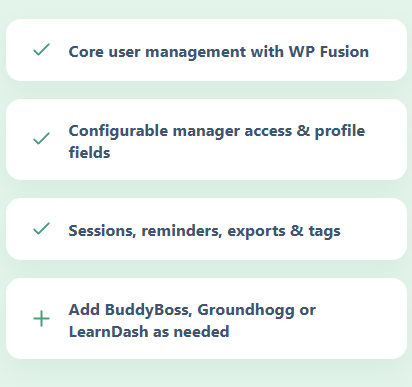
A few things worth knowing.
A focused system works best when you know what it includes and how it fits your stack.
Spend more time with people.
Less time in wp-admin.
Bring your users, your processes and your CRM together with WP User Dashboard from Jointly Digital.
Sales-page prototype. Replace the company link with your preferred product, demo or checkout URL before publishing. No pricing or licensing terms are implied.