

Bring people together.
Right where they belong.
Run video meetings inside your own WordPress website. Welcome participants through a proper lobby, give hosts the controls they need, and keep your community connected in one familiar place.
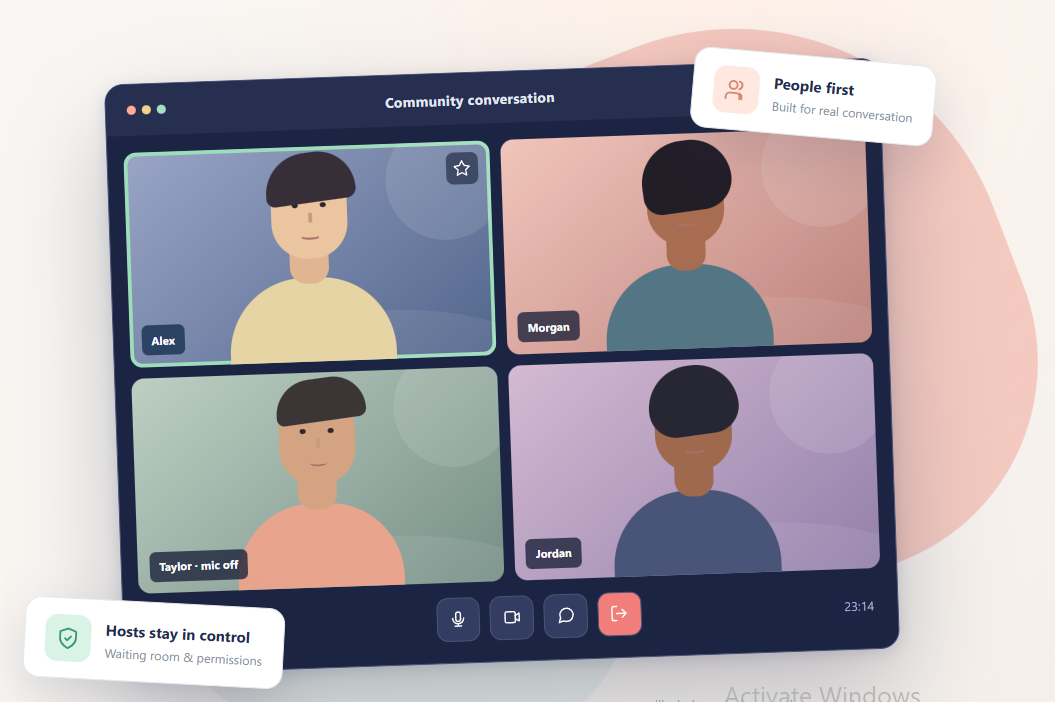
Made for meaningful conversations
Everything you need to
host a better conversation.
More than a video window. WP Meeting gives you a complete meeting flow from the first knock to the final goodbye.
A welcoming waiting room
Let attendees check their microphone and camera before joining. Hosts can approve people as they arrive, or enable automatic admission for selected rooms.
Presenter-level controls
Decide who can present, share their screen, or manage the room. Presenters can mute participants, remove disruptive users, and spotlight a speaker.
Layouts that adapt
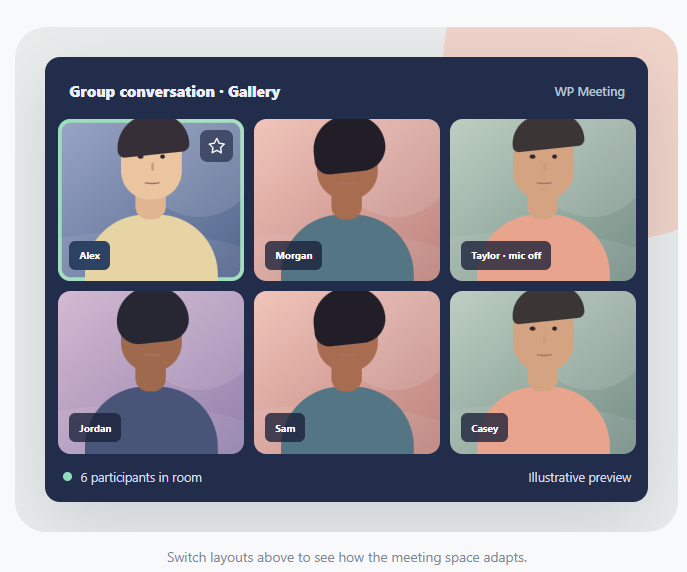
Choose a unified gallery or a separate presenter-and-participant layout. Video tiles respond to screen size, including phones and tablets.
Share what matters
Bring ideas onto the screen with screen sharing, pinning, and spotlight features. Keep the presentation front and center when your group needs focus.
Chat alongside video
Give everyone another way to participate. A real-time text chat and participant sidebar keep people engaged without interrupting the conversation.
Device controls that make sense
Let participants choose cameras, microphones, and speakers, with audio-level feedback and device preferences remembered in their browser.
Choose the way your people meet.
Small discussion, workshop, or a presenter-led event? Pick a layout that suits the conversation. The interface adjusts as participants join.
From your WordPress page
to a real conversation.
Set up a room, choose who leads, and invite your community to meet. Your website remains the home base.
Configure your room
Set a title, choose your layout, and assign presenter permissions. The built-in shortcode generator helps you create the right setup.
Add it to a page
Place the meeting lobby on a WordPress page using a shortcode, or use the optional BuddyBoss add-on to add a meeting tab to your group.
Meet, manage, connect
Participants enter through the lobby, adjust their devices, and join the conversation. Presenters guide the meeting with built-in controls.
[wpmt_lobby room_title=”Community Meeting” layout=”unified” auto_approve=”off”]
Give every group
a place to meet.
Already building a community in BuddyBoss? Put your video meeting room directly into the group experience with the dedicated WP Meeting BuddyBoss add-on.
The BuddyBoss integration is a separate premium add-on and requires BuddyBoss/BuddyPress.
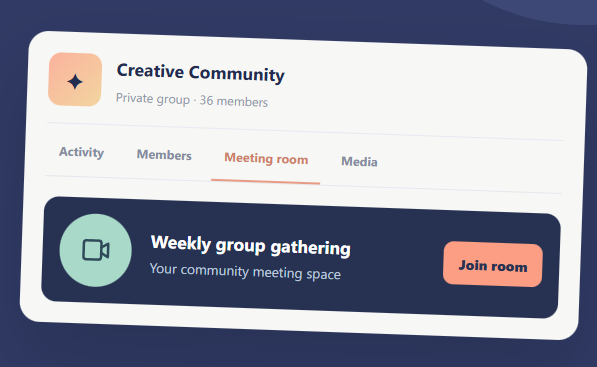
Less switching tabs.
More time together.
Keep the experience simple for your members and practical for the people running your community.
Keep everything connected
Bring meetings into your existing WordPress experience instead of asking people to find a separate meeting destination.
Give hosts a real role
Make facilitators and speakers feel supported with the controls they need to guide a session confidently.
Let your community grow
Build meeting spaces for different groups and activities with flexible room configuration and shortcode-based placement.
A better way to meet
starts on your website.
Start with WP Meeting for WordPress. Add BuddyBoss integration if your community needs meeting rooms inside its groups.
WP Meeting
Agora-powered video meetings on your WordPress pages.
BuddyBoss Add-on
Extend WP Meeting into BuddyBoss group pages.
Pricing and purchase links must be confirmed before publishing. WP Meeting uses Agora, which requires its own account, credentials, and may have separate usage costs. This preview is a marketing design, not a functioning video call.
Questions before you join?
Clear answers to the practical things that matter when you add video meetings to a WordPress site.
Keep people close.
Keep meetings simple.
Create a place for real conversations without sending your members somewhere else.