

Give every group
a place to meet.
Turn your BuddyBoss community groups into places for real conversations. Add a dedicated video meeting tab, give organizers the controls they need, and let members connect without leaving your website.
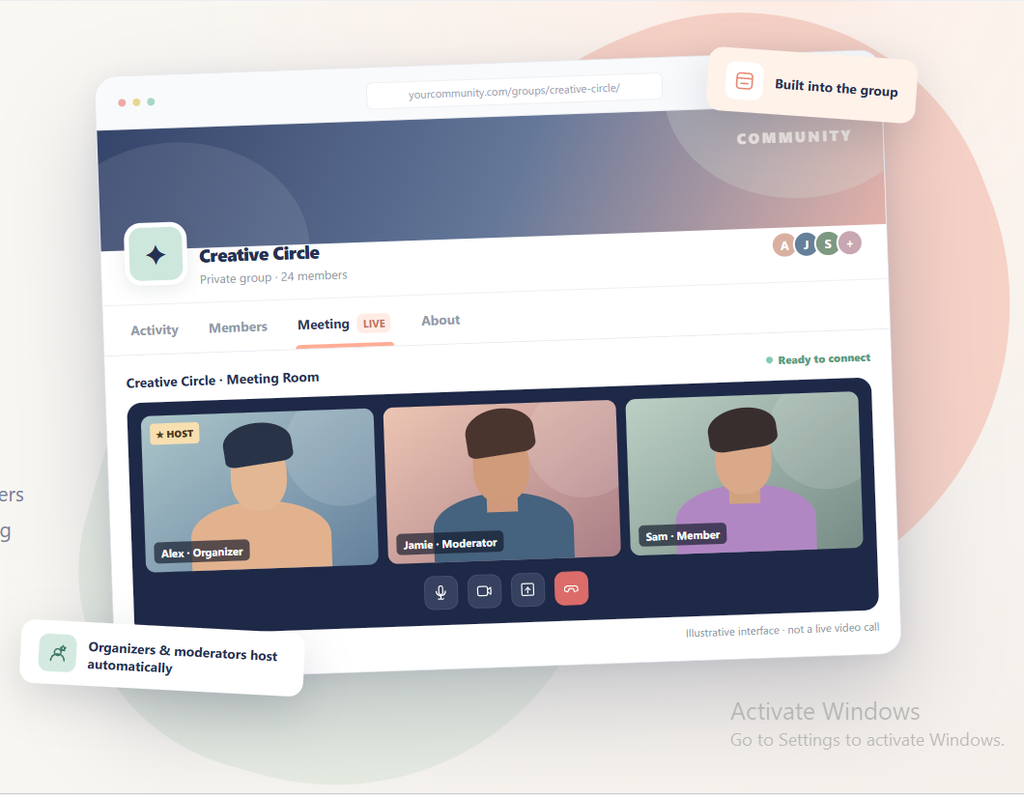
An add-on that fits your existing WordPress community.
More community.
Less switching between platforms.
Everything your groups need to move from discussion threads to face-to-face conversations, right where the community already lives.
A Meeting tab in every group
Add a dedicated video meeting tab directly to group navigation. Members go from reading updates to joining a conversation in one familiar place.
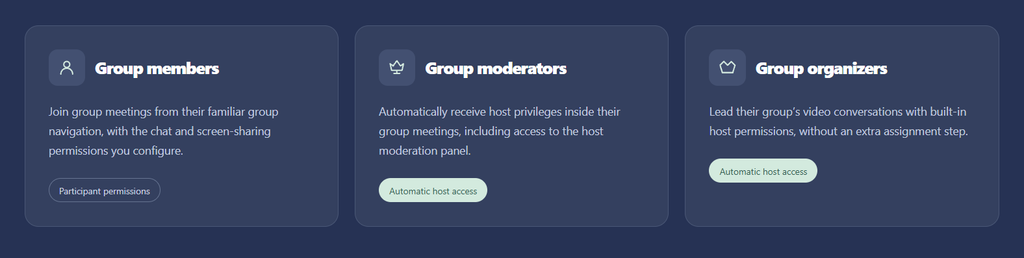
Hosts recognized automatically
BuddyBoss organizers and moderators inherit meeting host access automatically, including the moderator panel. No per-group host setup.
Choose which groups get it
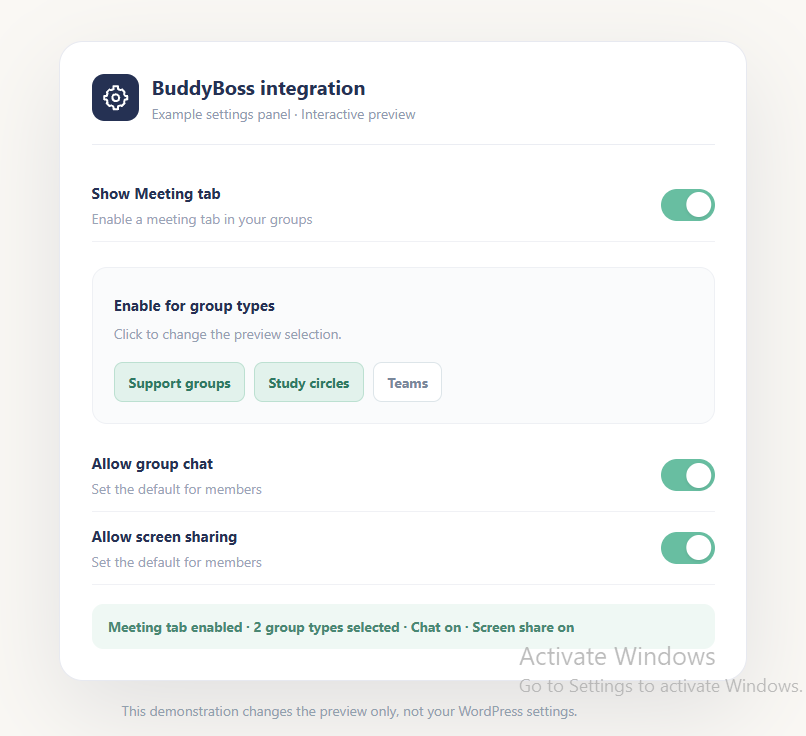
Enable or disable the tab globally, or make it available only to selected group types. Keep the meeting feature where it fits your community.
Your tab, your layout
Rename the Meeting tab and choose its position in group navigation to fit the way your BuddyBoss or BuddyPress community is organized.
Chat & screen sharing rules
Configure default access to chat and screen sharing in group meetings, without changing permissions across the rest of your website.
Extra host flexibility
Grant meeting moderator rights to additional WordPress roles or specific users when your team needs more people helping run the conversation.
Your community.
Your meeting rules.
The add-on gives administrators control over how group meetings appear and who can lead them. Keep things open for one type of group and more focused for another.
From a group page
to a real conversation.
Just three steps to turn existing BuddyBoss groups into places where people can meet face to face.
Start with WP Meeting Live
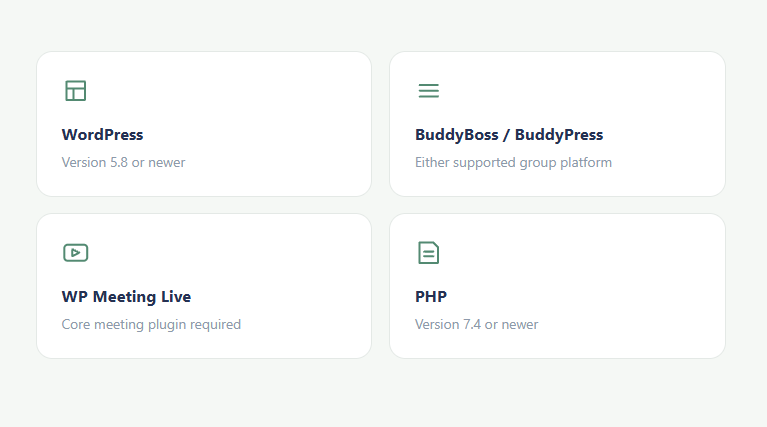
Install and activate WP Meeting Live, then make sure BuddyBoss Platform or BuddyPress is active on your site.
Configure the add-on
Activate the BuddyBoss add-on and open WP Meeting Live → BuddyBoss to choose your tab name, group types, and permissions.
Let the group meet
Members open their group’s Meeting tab. Their organizers and moderators already have meeting host privileges.
People stay in their roles.
Even in the meeting.
No more manually turning every community organizer into a meeting host. The add-on connects those responsibilities.
Google Calendar
Providers can connect their Google account, choose calendars that block time slots, and select a calendar for new confirmed bookings.
Microsoft Outlook
Microsoft calendar connection supports busy-time checks and booking events, making it easier to avoid conflicts with an existing schedule.
WP Fusion & Groundhogg
Apply CRM tags when a booking is made, confirmed, cancelled, completed, or joined, and sync contact details where supported.
WP Meeting Live
Connect appointments to meeting rooms. Your customers can access their meeting link while provider privileges remain in place.
Good communities
grow through conversation.
Whether people are learning together or looking for support, a video room makes the distance feel smaller.
Support communities
Bring members together for regular conversations and small-group support.
Learning circles
Give facilitators a familiar space for discussions and group learning.
Member communities
Host conversations without sending members to another platform.
Volunteer teams
Make collaboration more personal with meetings in existing team groups.
Works with your community.
Powered by WP Meeting Live.
This add-on connects BuddyBoss/BuddyPress group navigation and roles to WP Meeting Live. The core plugin provides the video meetings; the add-on makes them feel like a natural part of your groups.
Important: WP Meeting Live is required. Video infrastructure, gateway setup and any usage costs belong to the core product, not this add-on.
Everything you need
to know before adding it.
More meaningful meetings.
Right inside your community.
No app downloads. No sending members away. Just a familiar place to meet.